
The Zero-Knowledge Vault: A Hands-On Guide to Decentralized Password Management
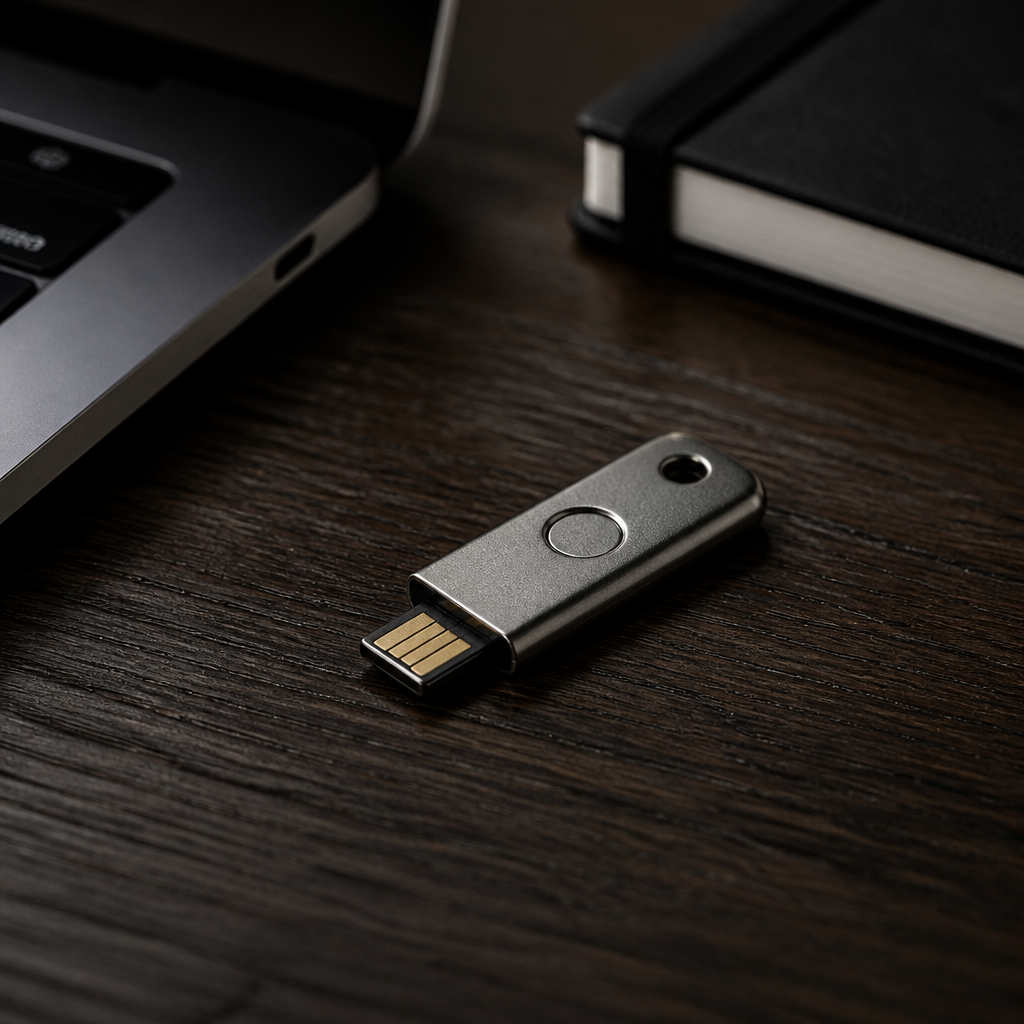
Decentralized password management is a security strategy that removes the third-party provider as a central point of failure by storing encrypted vaults on user-controlled hardware. By leveraging zero-knowledge architecture, users ensure that only they possess the keys to decrypt their data, significantly reducing the risk of a centralized server breach exposing credentials.
Understanding the Decentralized Shift
For years, the standard for credential security has been the cloud-hosted vault. While convenient, this model introduces a specific threat vector: the service provider's infrastructure. Recent industry research from USENIX Security 2026 identified 31 distinct malicious-server attacks across major cloud-based password managers, highlighting that even with client-side encryption, a compromised server could theoretically inject malicious code to capture master passwords or vault items.
Decentralized password management addresses this by decoupling the storage of the vault from the service that manages it. Instead of trusting a vendor's database, you maintain an encrypted local file. This shift aligns with modern digital identity guidelines, such as NIST SP 800-63B-4, which emphasizes the importance of allowing password managers and using distinct, complex passwords for every service.
Tool Selection: Local vs. Self-Hosted
Before building your vault, you must choose between a local-first application or a self-hosted server instance.
- Local-First (e.g., KeePassXC): The database exists as a single encrypted file (typically .kdbx). There is no server component. You are responsible for moving that file between devices. KeePassXC 2.8.0 supports YubiKey challenge-response and passkeys, making it a robust choice for individuals.
- Self-Hosted (e.g., Bitwarden, Passbolt, Psono): You run a server instance (often via Docker) on your own hardware or a private cloud. Psono, for example, uses a three-layer encryption model: client-side, transport-layer, and HTTPS.
Step-by-Step: Building Your Local Zero-Knowledge Vault
This guide focuses on the local-first approach using KeePassXC, as it offers the highest degree of isolation from third-party infrastructure.
Step 1: Database Creation and Master Key Security
Begin by creating a new database. Your master password is the single point of failure. According to NIST guidelines, passwords should be at least 15 characters long.
To harden the vault, navigate to Database Settings and increase the Key Derivation Function (KDF) iterations. While many services use PBKDF2 with 600,000 iterations as a default, you can opt for Argon2id in KeePassXC to provide superior resistance against GPU-based brute-force attacks. You should also consider adding a hardware security key. KeePassXC supports YubiKey/OnlyKey challenge-response, meaning the database cannot be opened without the physical device, even if the password is known.
Step 2: Configuring Browser Integration Safely
To maintain productivity, enable browser integration. This allows the vault to communicate with your browser via a secure proxy. In the settings, ensure "Return only best-matching entries" is checked to prevent credential leaking across domains. This setup allows you to follow NIST's recommendation of using unique passwords for every account without the manual burden of copy-pasting.
Our team at Gpenda Technologies Inc. frequently helps organizations audit their internal IT and cybersecurity services to ensure that even decentralized tools are deployed with consistent policy enforcement.
Step 3: Private Synchronization
Since there is no central server, you must sync your .kdbx file across devices. Avoid public cloud folders if your threat model requires total isolation. Instead, use a peer-to-peer tool like Syncthing.
When using Syncthing, the management GUI binds to localhost by default. If you must manage it remotely, ensure it is protected by HTTPS and a strong password. Note that synchronization is not always atomic; if you modify the vault on two devices simultaneously before a sync occurs, you may create a "conflict file" to prevent data loss.
Security Best Practices for Decentralized Vaults
While decentralized management removes vendor risk, it increases the user's responsibility for endpoint security and availability.
- The Memory Trap: Even with zero-knowledge encryption, the account encryption key remains in memory while the application is unlocked. Always configure an "Auto-Lock" timer to clear sensitive data from RAM when the device is idle.
- Backup Redundancy: In a self-hosted environment like Passbolt, a full backup must include the database, public and private GPG server keys, and configuration files. For local vaults, KeePassXC can automatically back up the database file immediately before saving changes.
- Recovery Kits: For tools like Passbolt, ensure you have a physical recovery kit containing your private keys. In a decentralized setup, there is no "Reset Password" button. If you lose your master key and your backup, the data is gone forever.
Evaluating the Malicious Server Threat
Why go through this effort? Independent audits, such as the ETH Zurich audit of Bitwarden, show that vendors are proactive in fixing vulnerabilities. However, the USENIX 2026 study points out that zero-knowledge is often a marketing term rather than a strict technical guarantee. By moving to a decentralized model, you move the "trust boundary" from a remote corporation to your own hardware.
Gpenda Technologies Inc. recommends this approach for high-compliance environments or individuals handling sensitive intellectual property where the risk of a supply-chain compromise outweighs the convenience of the cloud.
Frequently asked questions
What is a zero-knowledge password manager?
A zero-knowledge password manager is an application designed so that the service provider has no way to access the data stored in your vault. Encryption and decryption occur locally on your device, and the provider never receives your master password or the unencrypted keys required to unlock your data.
Is self-hosting a password manager safer than the cloud?
It depends on your expertise. Self-hosting removes the risk of a mass-scale breach at a major provider but makes you responsible for server hardening, patching, and backups. For many, a local-first vault synchronized over a private network provides the best balance of security and control.
Can I use biometrics with decentralized password managers?
Yes, many local-first tools like KeePassXC and self-hosted mobile apps support biometric unlocking (TouchID, FaceID, or Android Biometrics) as a convenience layer to unlock the local database, provided the master key is stored in the device's secure enclave.
What happens if I lose my master password in a decentralized setup?
In a true zero-knowledge and decentralized setup, there is no recovery option unless you have previously created a recovery kit or a backup of your keys. This is why maintaining a secure, physical backup of your master credentials and any hardware tokens is critical.
If you need assistance architecting a secure credential management strategy for your team, start a request with our specialists today.
Sources
- KeePassXC: Getting Started Guide
- Zero Knowledge (About) Encryption — Research Companion Website
- NIST SP 800-63B-4 — Full Guidelines
- Bitwarden Security Whitepaper
- Passbolt: Backup and Recovery
Facts checked against live sources on 2026-11-23.